Sailfish OS for the Sony Xperia 10 VI
Sailfish OS for the Sony Xperia 10 VI
With the LineageOS port for the Sony Xperia 10 VI running, the next step was Sailfish OS. Sailfish OS is developed by the Finnish company Jolla, which was founded by former Nokia employees and continued where Nokia’s MeeGo (on the Nokia N9) left off.
What makes it different from a stock Android, and also from LineageOS:
- It is not Android. LineageOS removes the vendor’s and Google’s additions, but it is still Android, with the same framework and the same apps. Sailfish OS replaces all of that with a regular GNU/Linux system: glibc, systemd, Wayland and Qt. Android only stays underneath as the hardware layer. Its drivers and vendor services run in the background, and Sailfish OS talks to them through libhybris.
- The user interface is built around gestures. You swipe from the screen edges instead of pressing buttons, and running apps sit on the home screen as live covers, which you can use without opening the app.
- It is a Linux system you can use as one: the developer mode gives you a terminal, root and SSH, and software comes as RPM packages.
- There are no Google services in the system at all.
The trade-off is the app selection. Sailfish OS has its own native apps for the basics, but the selection is small. Big (or most) companies do not publish Sailfish OS apps as the user base is too small. Thus, you’ll might need to run Android apps. There are wo ways to run Android Apps on Sailfish OS:
- Jolla’s Android App Support (AAS), which is not available for community ports. AAS uses LXC and offers a deep host integration. Instead of rendering a separate “Android desktop” window, AAS breaks individual Android apps out into their own independent Wayland windows. It maps Android actions back to the host system, meaning Android notifications appear natively, contact books sync across systems, and apps utilize the native on-screen keyboard. However, its closed-source.
- Waydroid is open source and uses LXC as well. However it feels more like a separate Android running in its own sailfish window.
This is an unofficial community port, not affiliated with Jolla or Sony. As with the LineageOS port, I used Opus 5.5 heavily to build, flash and debug it.
The LineageOS base
Sailfish OS has no drivers for the display, modem, camera, audio or sensors of a modern phone; those are closed Android vendor code. A libhybris port therefore runs that code underneath: the phone’s Android kernel, the vendor services started by a stripped-down Android init, and libhybris, which lets Sailfish’s glibc programs load Android libraries such as the GPU driver. That’s why the port needs an Android base, and here it’s my LineageOS 23.2 (Android 16) port:
- On the phone, the LineageOS release stays installed on slot a and provides the system, vendor and odm partitions. Sailfish OS goes onto the userdata partition, and its own boot image replaces the LineageOS one.
- For the build, mer-hybris provides the LineageOS manifest with the hybris patches (branch
hybris-23.2). The patches change bionic, init and other parts of Android, so it is a separate tree of about 180 GiB next to the LineageOS one. The device tree and the kernel of the LineageOS port are added to it, with the Sailfish OS changes on their ownhybris-23.2branches. - The kernel needs a few options that Sailfish OS and systemd depend on (the kernel check of mer-hybris listed 23 errors for the LineageOS config). They change the checksums of about 10,000 kernel symbols, so none of the LineageOS modules load anymore. The kernel, its 351 modules and the vendor_boot, vendor_dlkm and dtbo images all have to come from the same Sailfish OS build.
- Fixes on the vendor side of the LineageOS port carry over, because the vendor services are the same. Fixes in the Android framework don’t, because Sailfish OS replaces the framework.
As references I used the community ports of the Xperia 10 IV and 10 V by sharks, whose configuration was the starting point for most of mine, and the port of the Xperia 1 IV and 5 IV by rinigus.
The Sailfish OS adaptation
The adaptation consists of a few RPM packages, built in the Sailfish OS Platform SDK:
- droid-hal-pdx246 packages the Android side of the build: the kernel modules, Android’s init, linker and service managers, and the compatibility layers,
- droid-config-pdx246 holds the Sailfish OS configuration: mounts, udev rules, audio, USB, the package lists and the image recipe,
- droid-hal-img-boot-pdx246 builds the boot and recovery images,
- droid-hal-version-pdx246 ties them together.
The image itself is built with Jolla’s image builder from Jolla’s repositories and these packages, and goes onto userdata as an LVM image.
The Android 16 base was most of the work. Upstream already supported Android 16, but each of the first boots stopped at a new Android 16 change. These boots were blind: there is no adb, and the display shows only the Sony logo until Sailfish OS’s own services start. So everything was debugged through the USB network shell of the boot and recovery images. The main problems on the way:
- Android 16’s service managers abort without SELinux, which community ports run without. A stub library preloaded into them fixes it.
- Android 16’s init generates its linker configuration once per mount namespace, which the hybris patches disable, so init waited forever. A small init patch fixes it.
- The BoringSSL self-test rebooted the phone 18 seconds into every boot, because the system module that holds it was not active.
- Android’s apexd dropped all compressed system modules (APEXes) on a SELinux label check. Without the software codecs the media server hung, and with it the camera, calls and sound.
- The USB controller only appears after its glue is switched to peripheral mode, which the init script of the boot image had to learn.
- Sailfish OS maps the dynamic partitions in super itself (parse-android-dynparts), so that vendor and odm are mounted before any vendor service starts.
Fixing the packages
With the user interface running, the rest was getting each function to work, mostly in Sailfish OS’s middleware. The
fixes are in the port’s forks of these packages (branches pdx246-*), in droid-config and in the platform patches
of the main repository:
- Calls: VoLTE on this phone is only reachable through Qualcomm’s newer AIDL interface. rinigus’ AIDL version of ofono-binder-plugin-ext-qti speaks it. I added the ringback tone, merging calls into a conference, the conference participant updates, and a workaround for swapped hangup arguments in Sailfish OS 5.1’s binder plugin.
- Mobile data: a default service from Sailfish’s shared configuration blocked Qualcomm’s network manager.
- Audio: PulseAudio did not find Qualcomm’s per-SKU audio configuration, and the call volume never reached the audio hardware, so calls ran at full volume with an echo on speakerphone. Halium’s audio compatibility layer for Android 16 connects PulseAudio to the vendor’s audio service.
- Bluetooth headset calls: droid-bthelper (also by rinigus) tells the audio hardware when a headset connects. I added four small fixes.
- Camera and video: Halium’s adaptation of droidmedia to LineageOS 23.2; a revert of a droidmedia change that is incompatible with Sailfish OS 5.1 (videos without sound, recordings at 1920 bit/s); Qualcomm’s frame layout for videos in the browser, which came out scrambled at some sizes; and the ultrawide camera, which Android hides behind a logical camera.
- GPS: the location provider used the vendor’s AIDL GNSS service, whose version 1 cannot start a fix. It now checks the version and falls back to the older interface.
- NFC: libncicore asked the NXP controller for poll modes it does not support, so it never started polling. nfcd-binder-plugin now also passes the controller’s init response to the NFC service.
- libhybris:
getpropandsetpropaborted on exit with Android 16. - Charging limit: Sony’s charging control appears only after mce, Sailfish OS’s device state service, has looked for it, and it resumes charging on its own after 30 minutes. The limit now works from the Sailfish OS settings.
- USB: a USB-PD wall charger was taken for a PC (unlock prompt, developer mode), and charging from a PC was limited to 2 mA.
- Standby: every suspend attempt switched the kernel’s virtual console, which kept the phone awake about two seconds longer each time. Without the VT console in the kernel config, standby is at about 10 mA overnight, with the phone suspended 99 % of the time.
- Kernel updates: the kernel, vendor_boot, dtbo and vendor_dlkm images can be updated as packages. They are written as one set during the next boot. This is tested, but needs an update channel to be useful.
Working features
The following features on my XQ-ES54. This is a list of the currently working state:
- display, touch and rotation,
- calls over VoLTE, including the ringback tone, DTMF, hold, swap and merging into a conference,
- SMS (with delivery reports) and USSD,
- mobile data on LTE,
- eSIM (with a profile set up under LineageOS),
- Wi-Fi and the Wi-Fi hotspot (2.4 GHz),
- Bluetooth, including audio and headset calls,
- audio: speaker, earpiece and wired headphones,
- cameras: back (including the ultrawide) and front, photos and videos with sound,
- video playback in the Gallery and the browser,
- GNSS,
- NFC (tag and card detection),
- fingerprint unlock,
- vibration and the proximity sensor,
- USB: MTP, developer mode, charging, and the charging limit from the settings,
- encrypted user data,
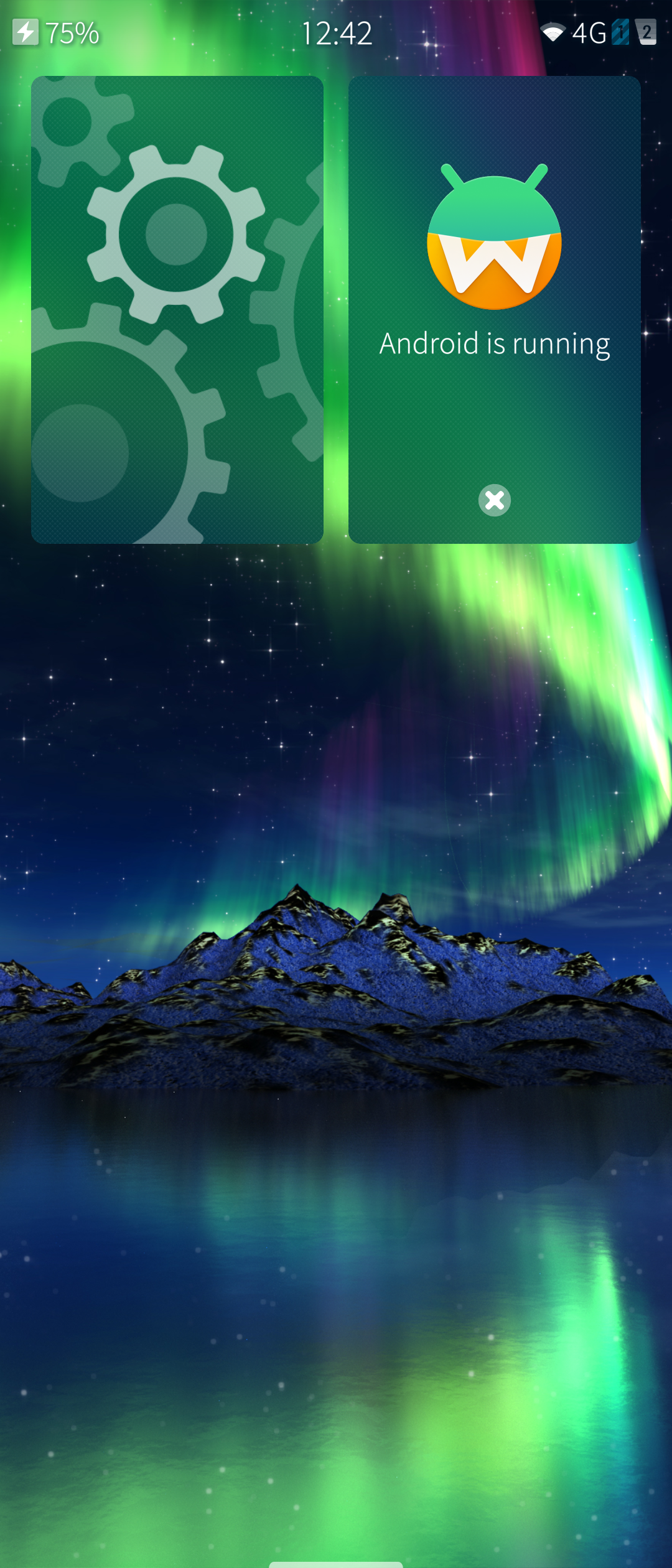
- Android apps with Waydroid: graphics with the GPU, touch, network, audio and video; Android keeps running in the background, the Android apps you install start from the app grid, and their notifications appear in Sailfish OS,
- about 10 mA in standby overnight.
Source code and builds
The source code, the build instructions and the releases are on GitHub, in sailfishos-sony-pdx246:
-
main: build instructions, manifests, platform patches and build scripts,
-
droid-hal-pdx246, droid-config-pdx246, droid-hal-version-pdx246 and droid-hal-img-boot-pdx246: the adaptation packages,
-
android_device_sony_pdx246 and android_kernel_sony_sm6450: the LineageOS port’s device tree and kernel with the Sailfish OS changes (branch
hybris-23.2), -
libhybris, ofono-binder-plugin-ext-qti, geoclue-providers-hybris, libncicore, nfcd-binder-plugin and droid-bthelper: the middleware with this port’s fixes (branches
pdx246-*). -
My unofficial Sailfish OS 5.1.0.11 image for the Sony Xperia 10 VI
Before flashing, make sure you meet the following requirements:
- A XQ-ES54 or XQ-ES72 variant. I only own the XQ-ES54 myself, thus the XQ-ES72 is untested, but should work.
- An unlocked bootloader.
- LineageOS 23.2, release v23.2-20260924, installed on slot a and booted once. Sailfish OS runs on top of its Android partitions, so it needs exactly this release, not LineageOS 24.
- Keep that release’s boot, vendor_boot, dtbo and vendor_dlkm images. You need them to go back to LineageOS, or to flash Sailfish OS again.
- Flash it with the image’s
flash.sh, as INSTALL.md describes. Flashing erases the userdata partition, i.e. all your Android data and files.
There is no update channel yet, so for now a new version means flashing again, which erases the data again.
Screenshots
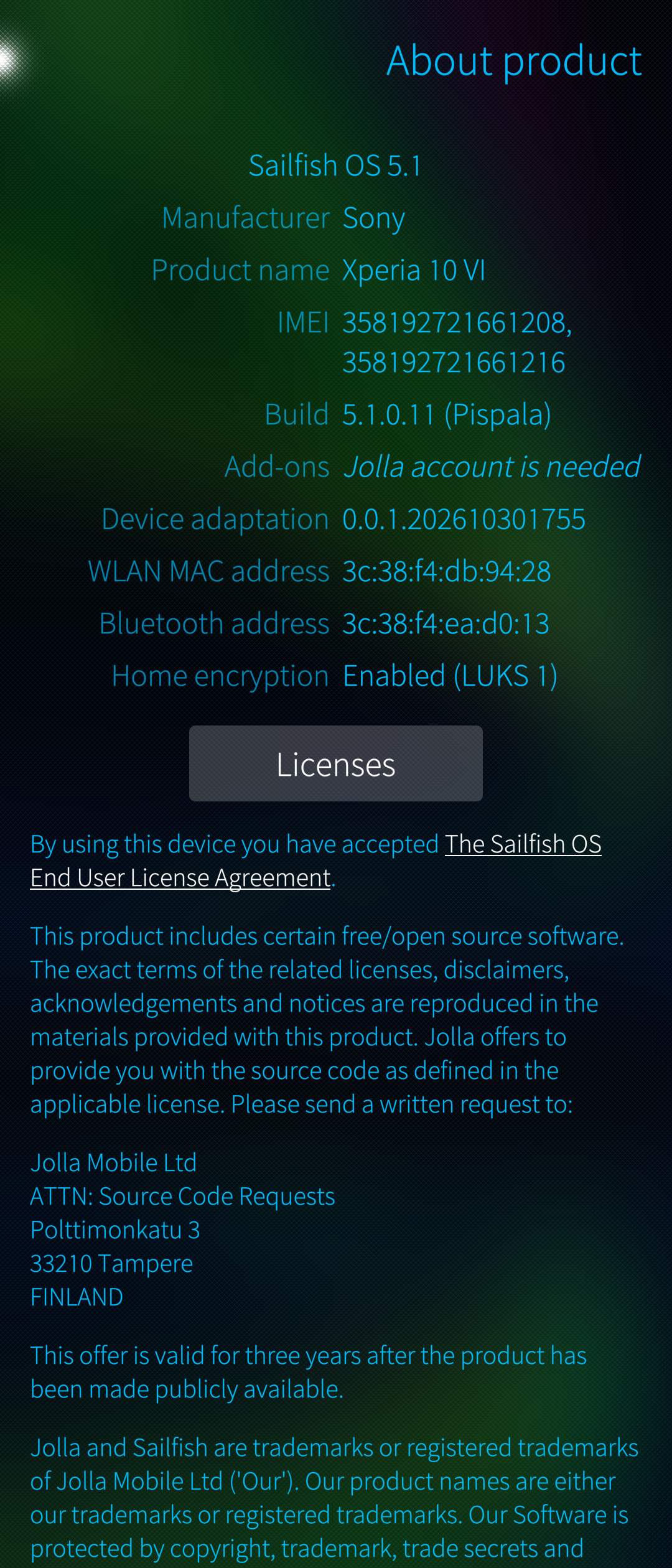
Well, everyone knows how SailfishOS looks like, thus, just some system settings screenshots:
Credits
Sailfish OS and the porting kit:
- Jolla for Sailfish OS, the Hardware Adaptation Development Kit and the Platform SDK.
- mer-hybris for the hybris manifest (android), hybris-patches, hybris-boot, hybris-initrd, droid-hal-device, droid-hal-configs, droid-hal-version, mer-kernel-check, community-adaptation and the hadk-faq.
- Matti Lehtimäki (mal), who did most of the Android 16 groundwork in these projects.
Middleware:
- libhybris, packaged by mer-hybris.
- droidmedia and gst-droid for camera and video, with TheKit’s adaptation of droidmedia to LineageOS 23.2 from Halium.
- pulseaudio-modules-droid and pulseaudio-modules-droid-hidl for audio, with Halium’s audio compatibility layer android_vendor_halium_hardware.
- qt5-qpa-hwcomposer-plugin (display), mce-plugin-libhybris, sensorfw (sensors), bluebinder (Bluetooth) and geoclue-providers-hybris (GPS).
- Slava Monich’s libgbinder, ofono-binder-plugin (modem), nfcd-binder-plugin and libncicore (NFC).
- rinigus’ AIDL version of ofono-binder-plugin-ext-qti (VoLTE), which builds on UBports’ plugin, and rinigus’ droid-bthelper (Bluetooth call audio).
- parse-android-dynparts from the sailfish-on-nabu project (dynamic partitions).
- Jolla’s fingerprint daemon (sailfish-fpd).
Reference ports:
- sharks (sharks-dev) for the Sailfish OS ports of the Xperia 10 IV and the Xperia 10 V. Most of my configuration started from theirs, and the ultrawide camera fix follows Mister_Magister’s “Fix camera1 API” gist used there.
- The Xperia 1 IV and 5 IV port, which ships rinigus’ AIDL IMS plugin and droid-bthelper.
The Android base:
- LineageOS and its Sony hardware repository, and everyone I credited in the LineageOS article.
- Sony for publishing the phone’s kernel sources.
And the people in #sailfishos-porters on Libera.Chat and on the Sailfish OS forum: most problems a porter runs into have been asked and answered there before.